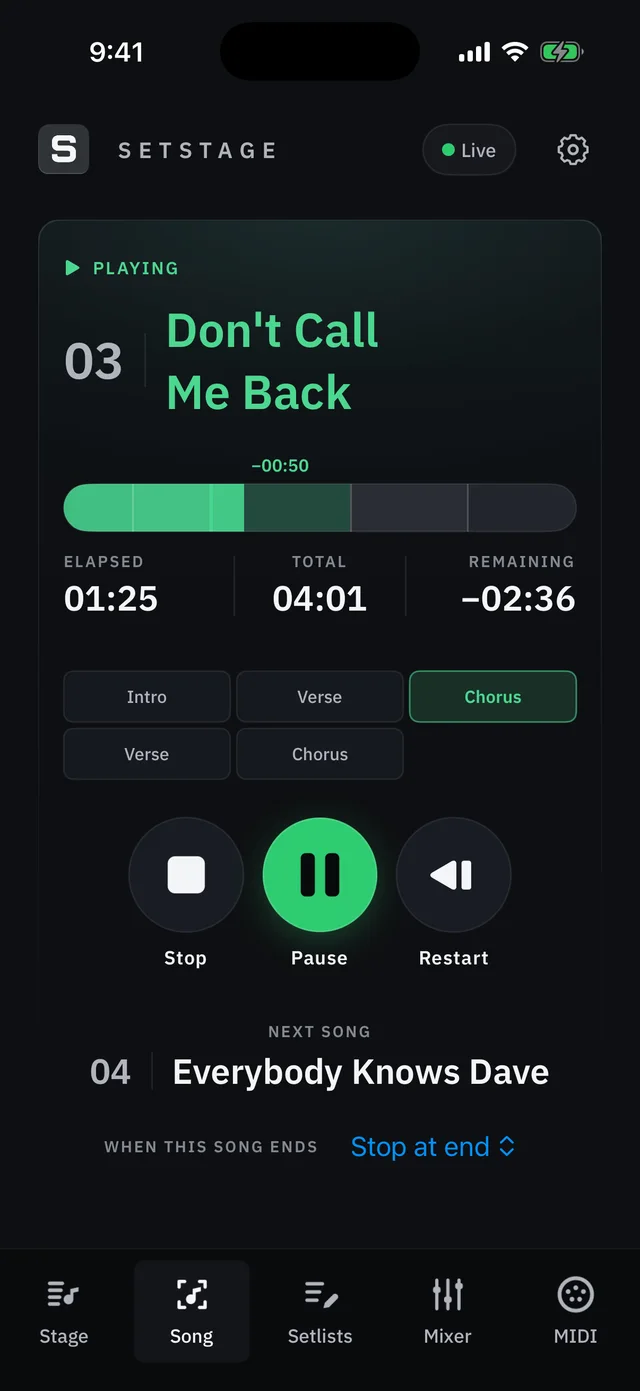
Song-end actions
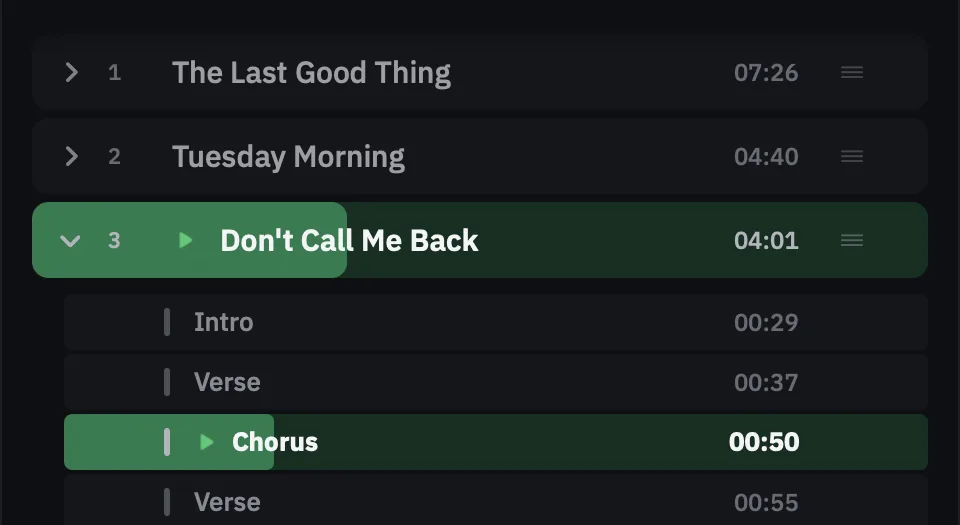
Using a "SONG END" marker lets you decide what happens after each song.

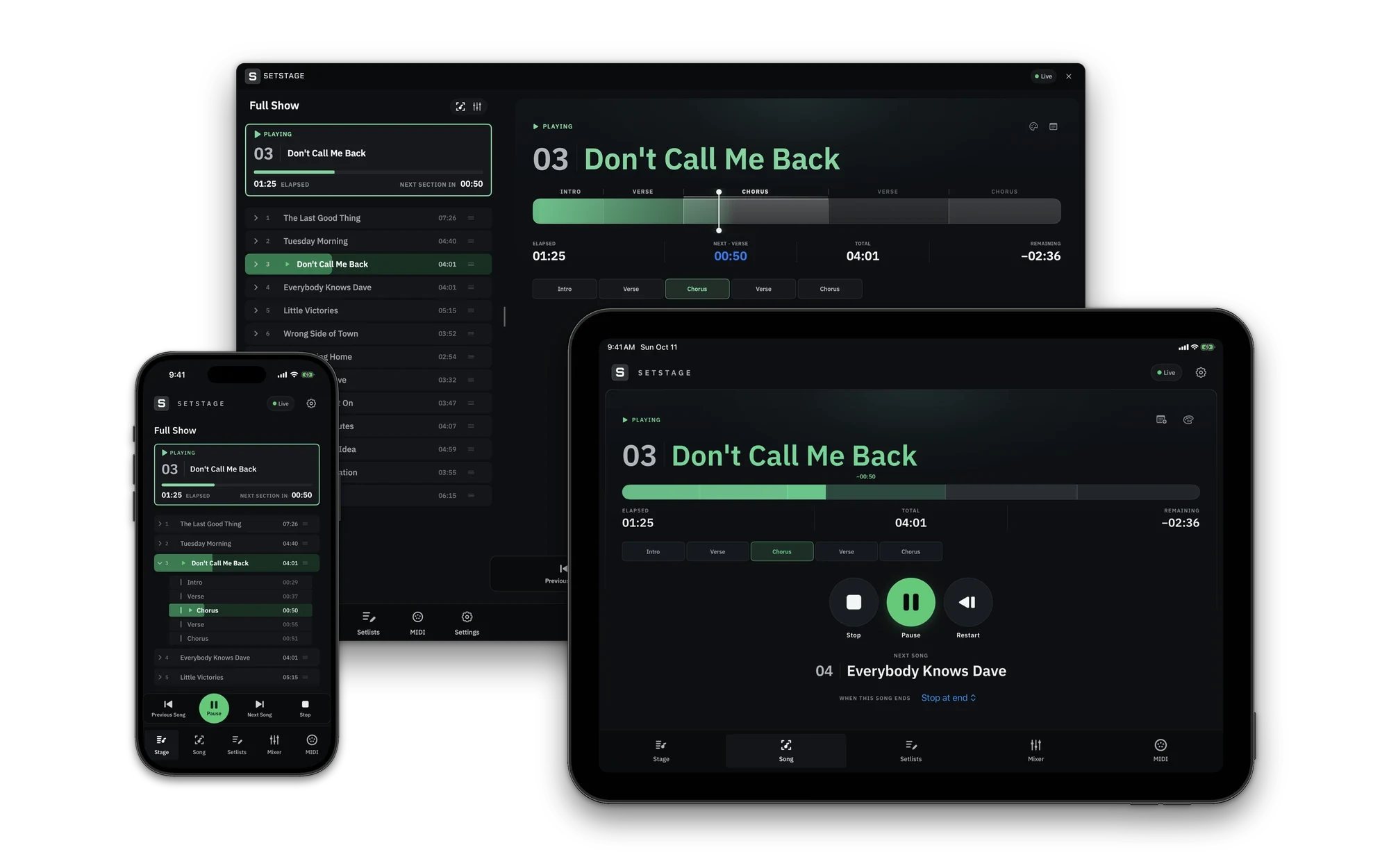
Manage your setlist, control Ableton Live playback, and run the show from Mac, iPhone, or iPad.
One click inside SetStage installs its Remote Script. Then pick it as a Control Surface in Live's preferences.
Name your Arrangement locators SONG: and SECTION:, followed by the name, and your setlist appears the moment Live connects. Add a SONG END marker so SetStage can run song-end actions.
Jump to any song or section from your Mac, a MIDI controller, or your phone or iPad.
Stage view
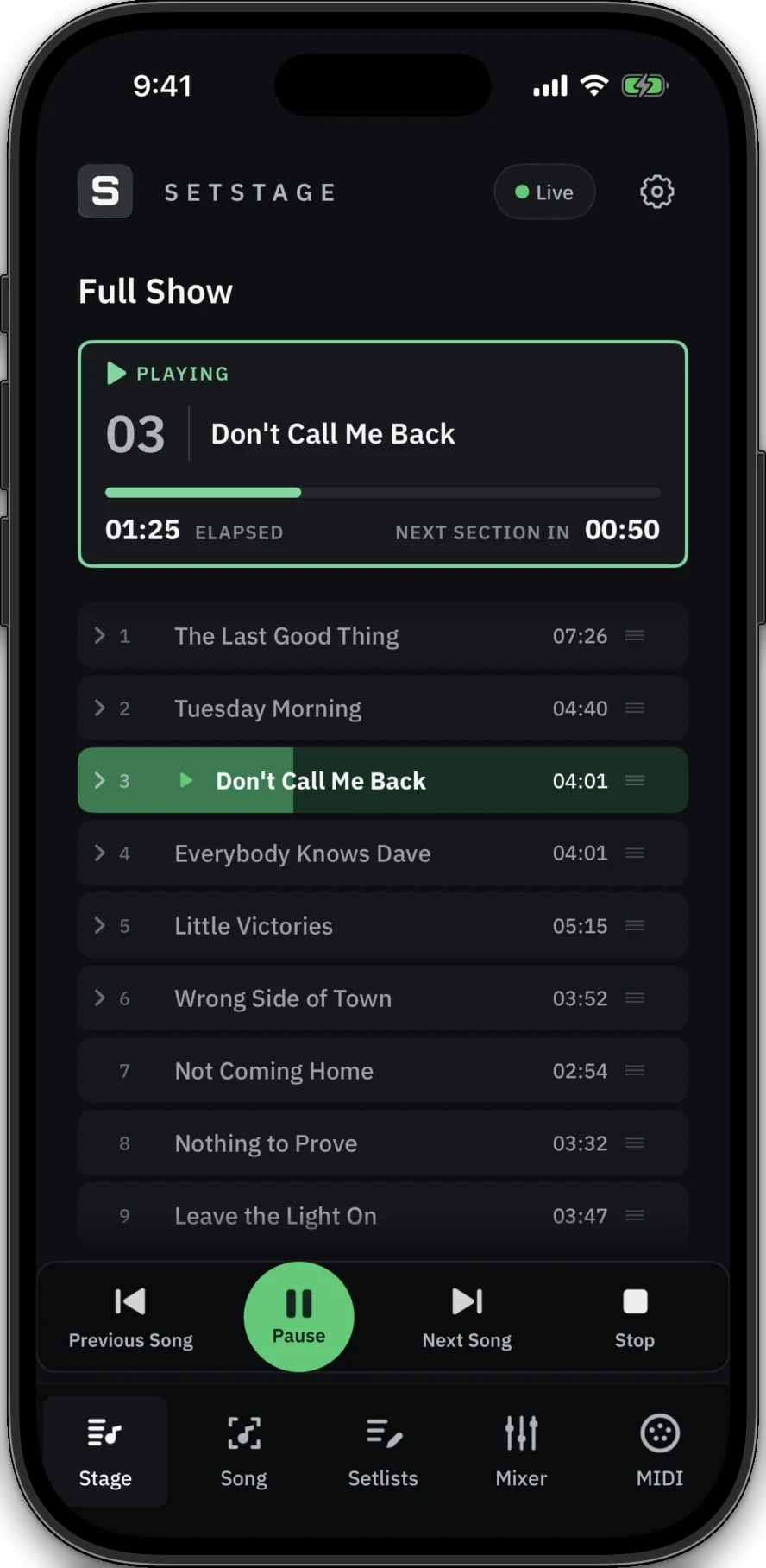
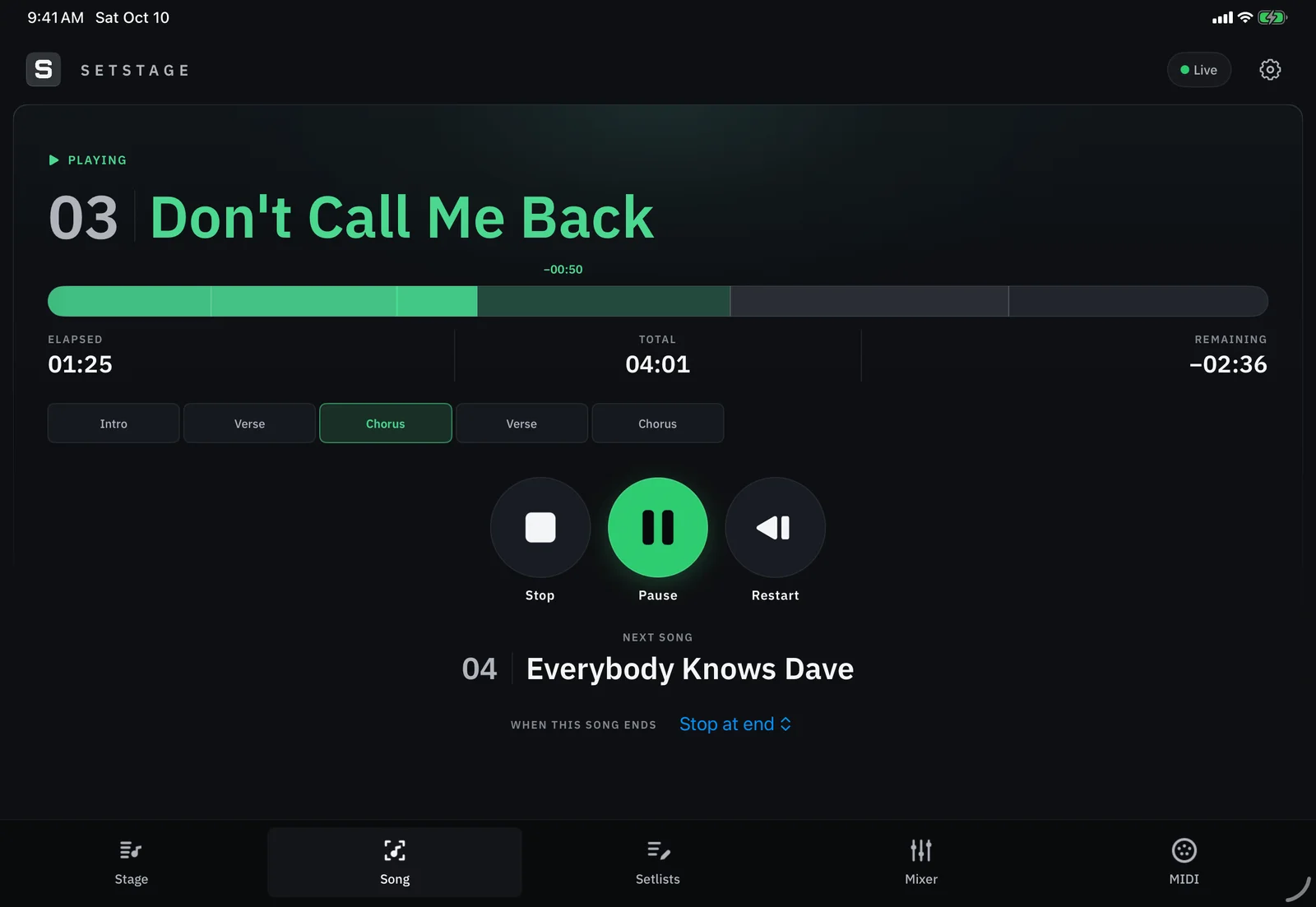
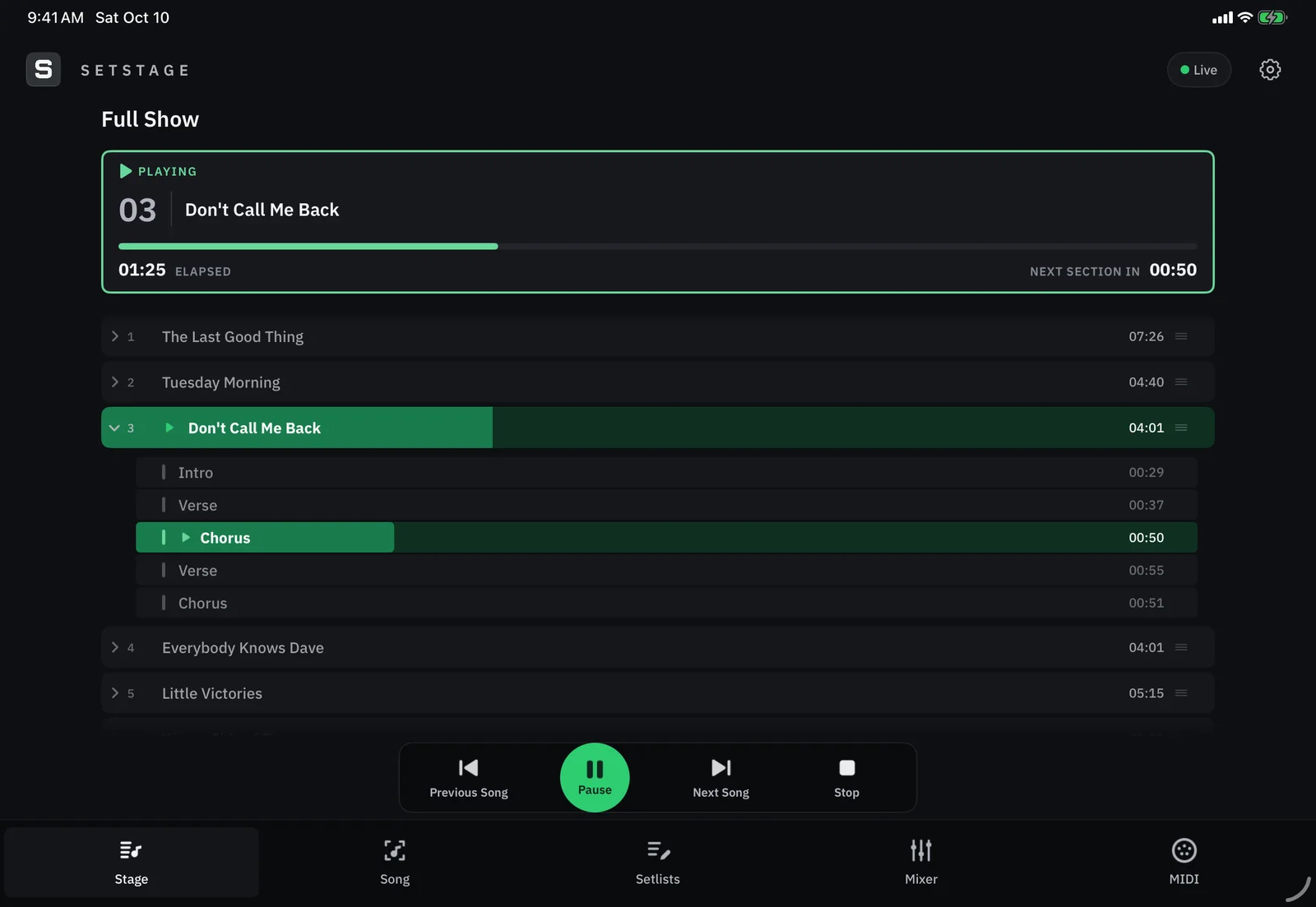
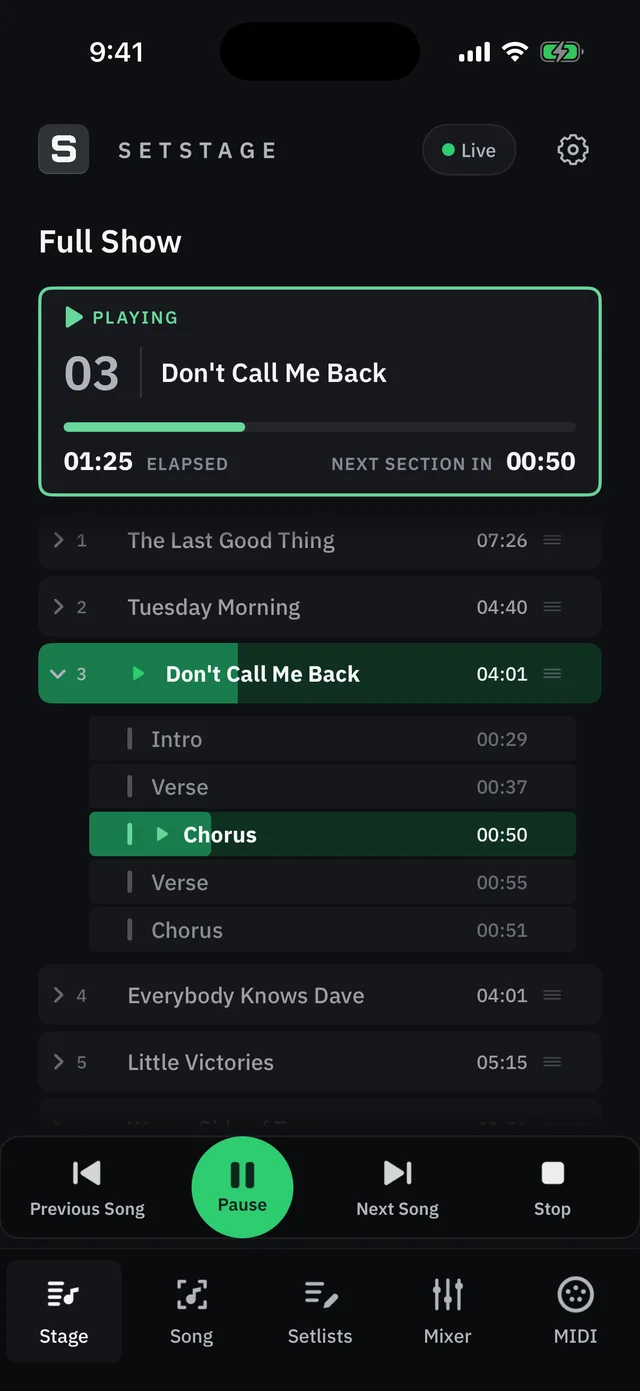
See what is playing, how long is left, and when the next section lands. Scrub the timeline to jump anywhere in a song, or turn on the large countdown.
Learn more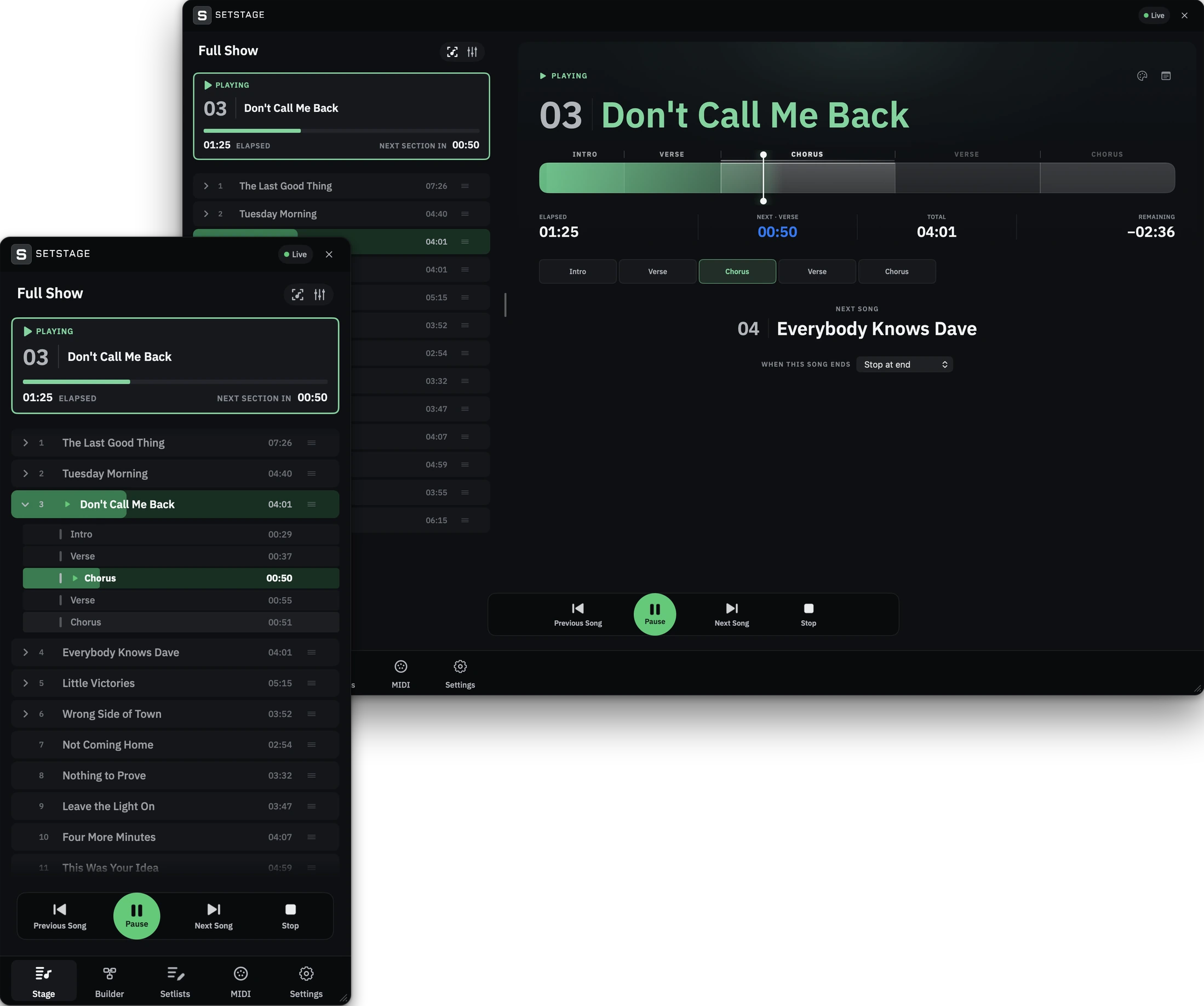
Setlist
SetStage reads songs, sections and tempo from your Arrangement locators. No import step and no second setlist to keep in sync. Reorder, colour and annotate, and keep a shorter set next to the full show.
Learn more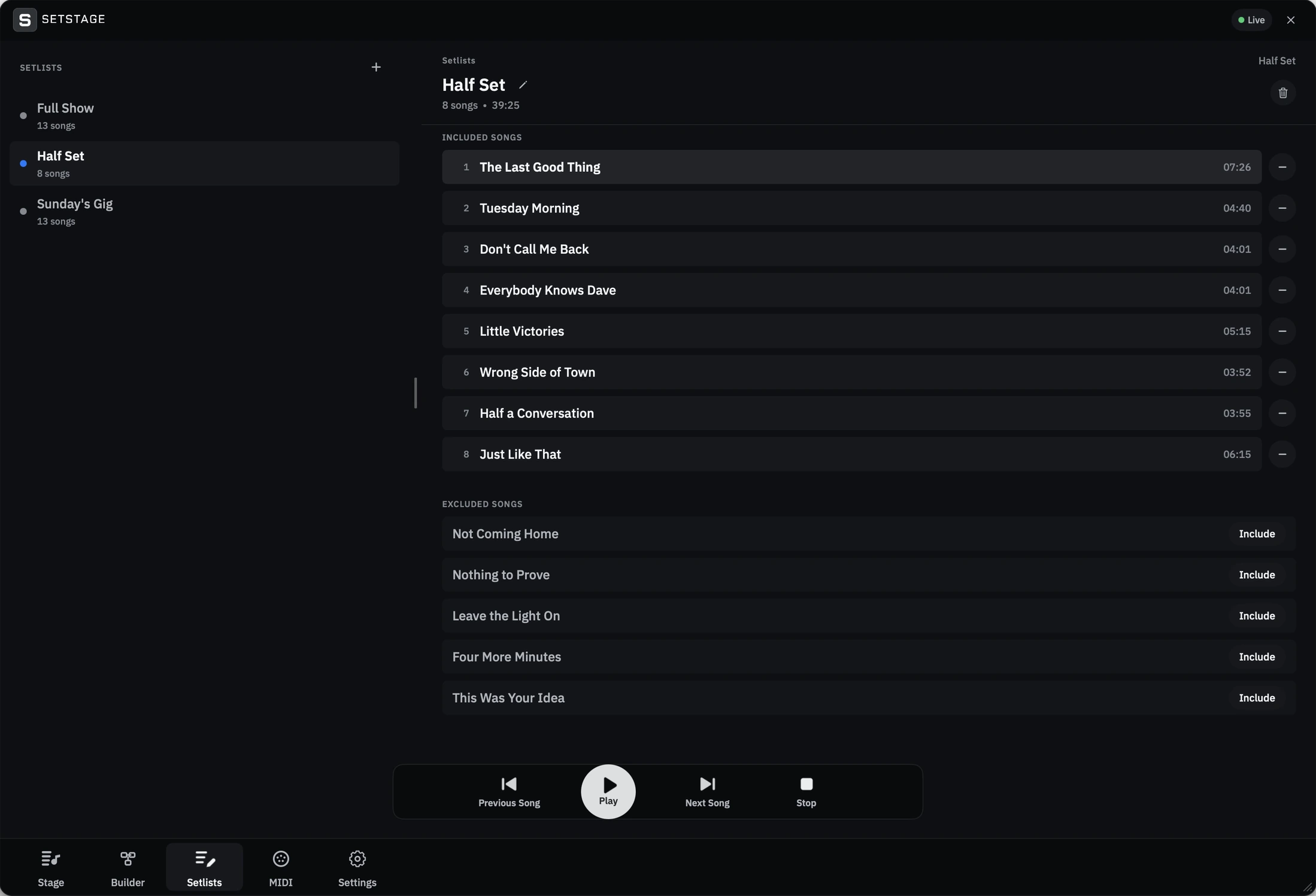
Colours
Ballads in blue, openers in green, the one with the key change in amber. Give your setlist a visual pattern you can recognise from across the stage, on your Mac and every paired iPhone and iPad.
Learn more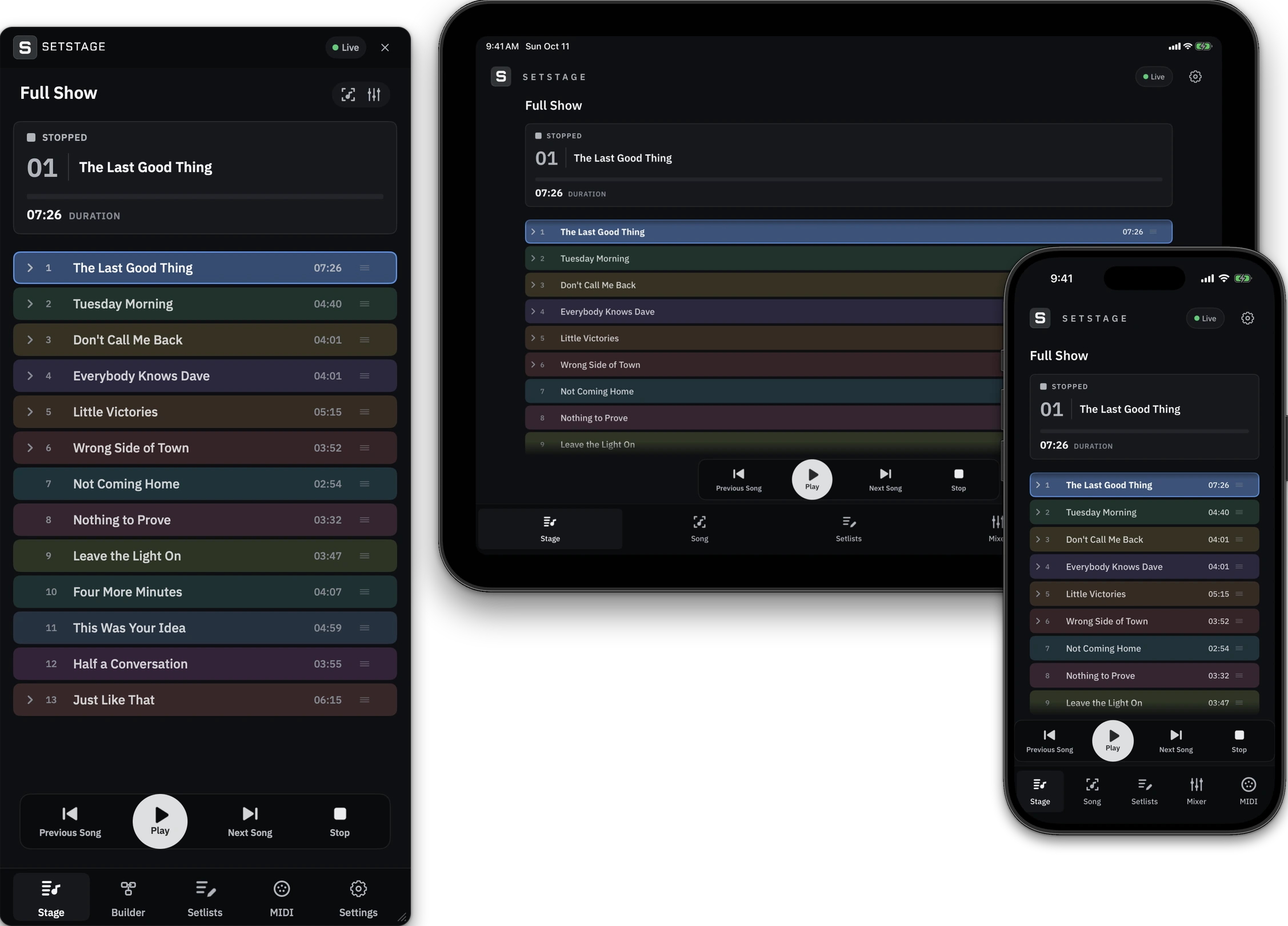
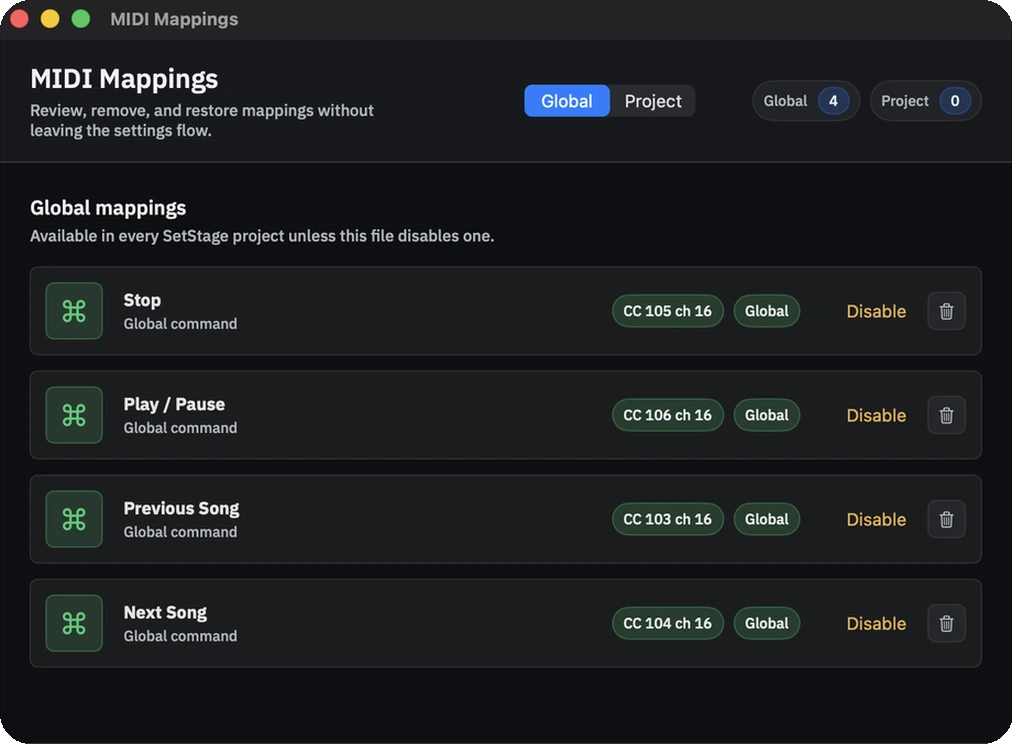
MIDI mapping
Map any note, control change or program change to play, stop, next song, a specific section and more. Click a control, move the hardware, done. Keep mappings global, or save them with a project. SetStage Remote learns MIDI controls too, so your iPad can run the show.
Learn more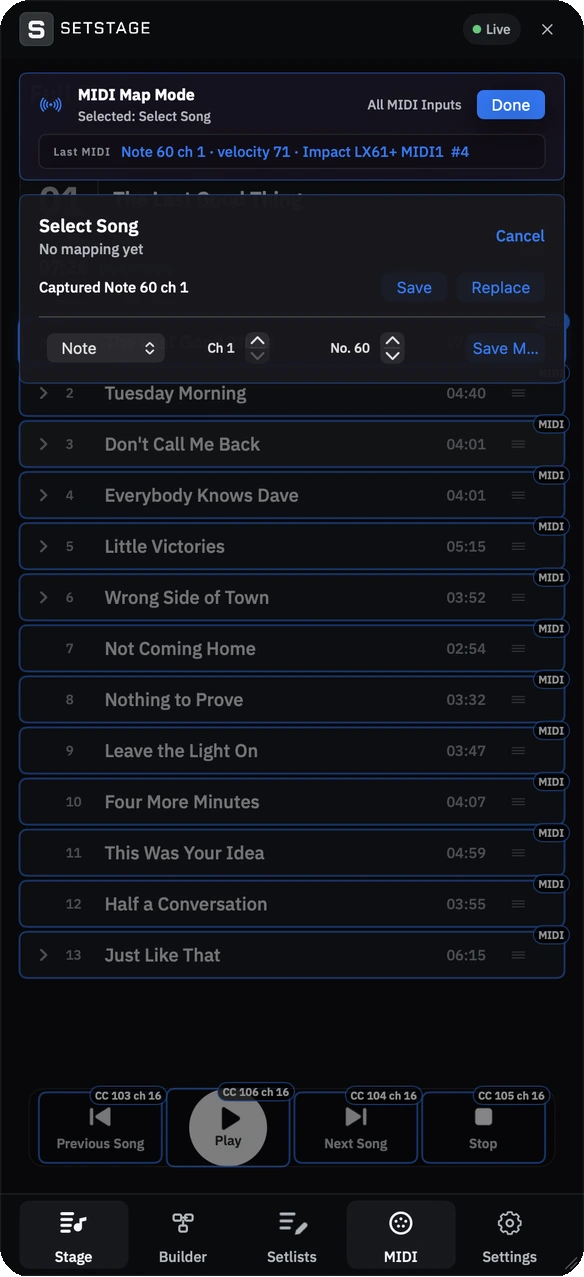
Mixer
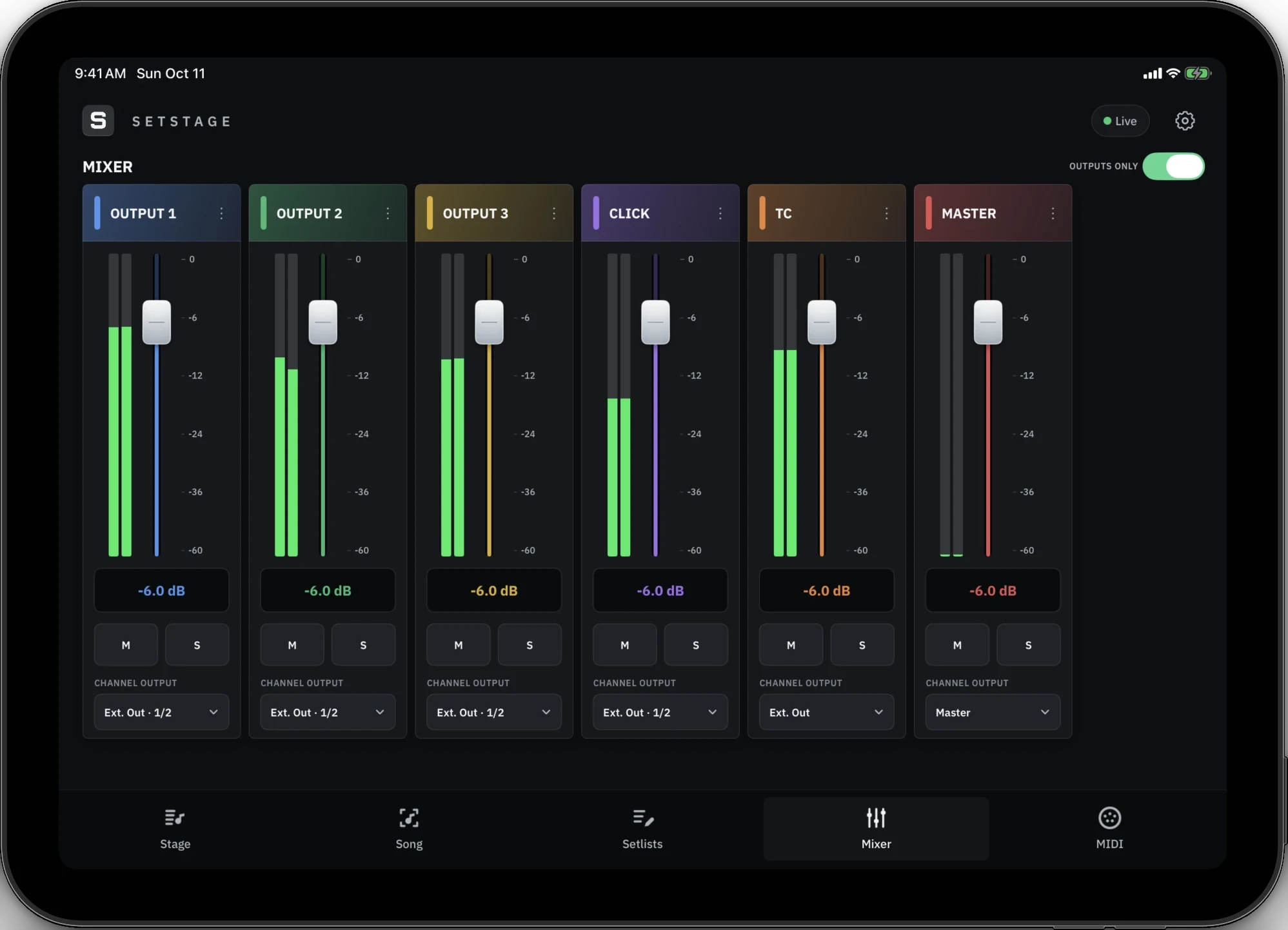
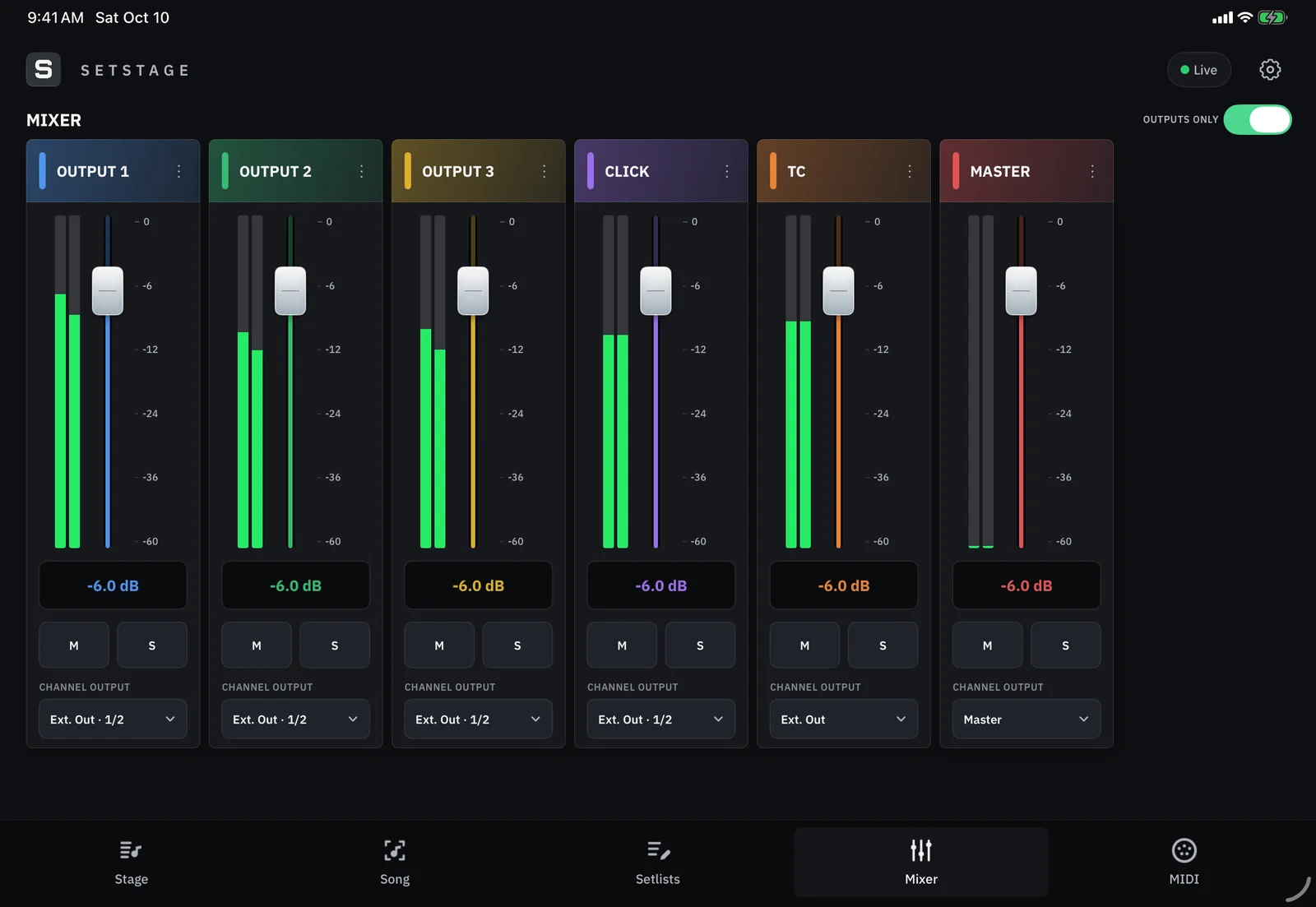
Volume, mute and solo for the channels you send out, with level meters, on your Mac, iPhone or iPad.
Learn more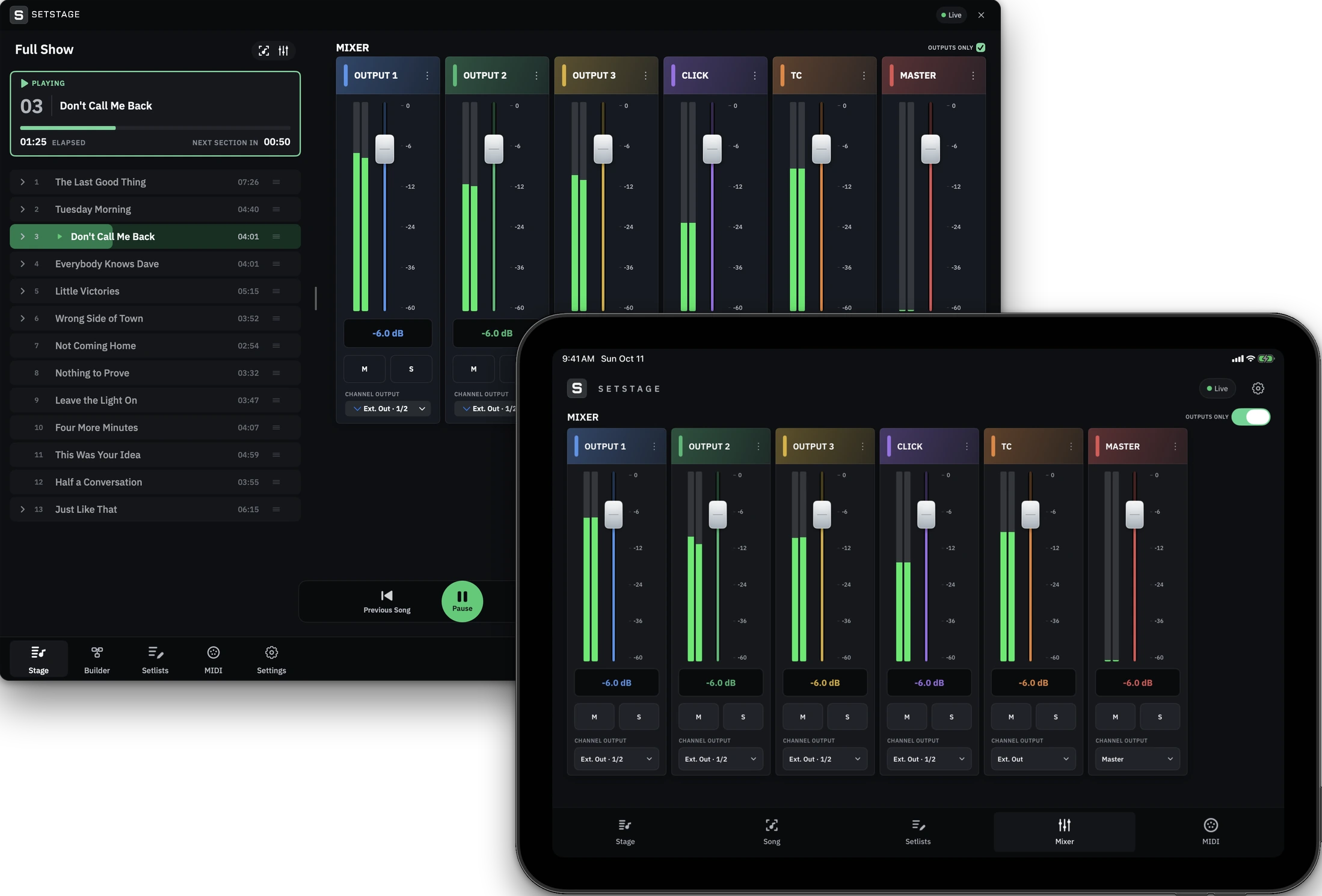
Builder
Smart Import finds songs, vox, click and timecode from your file names, then builds a correctly marked Live set. Review it before you export.
Learn more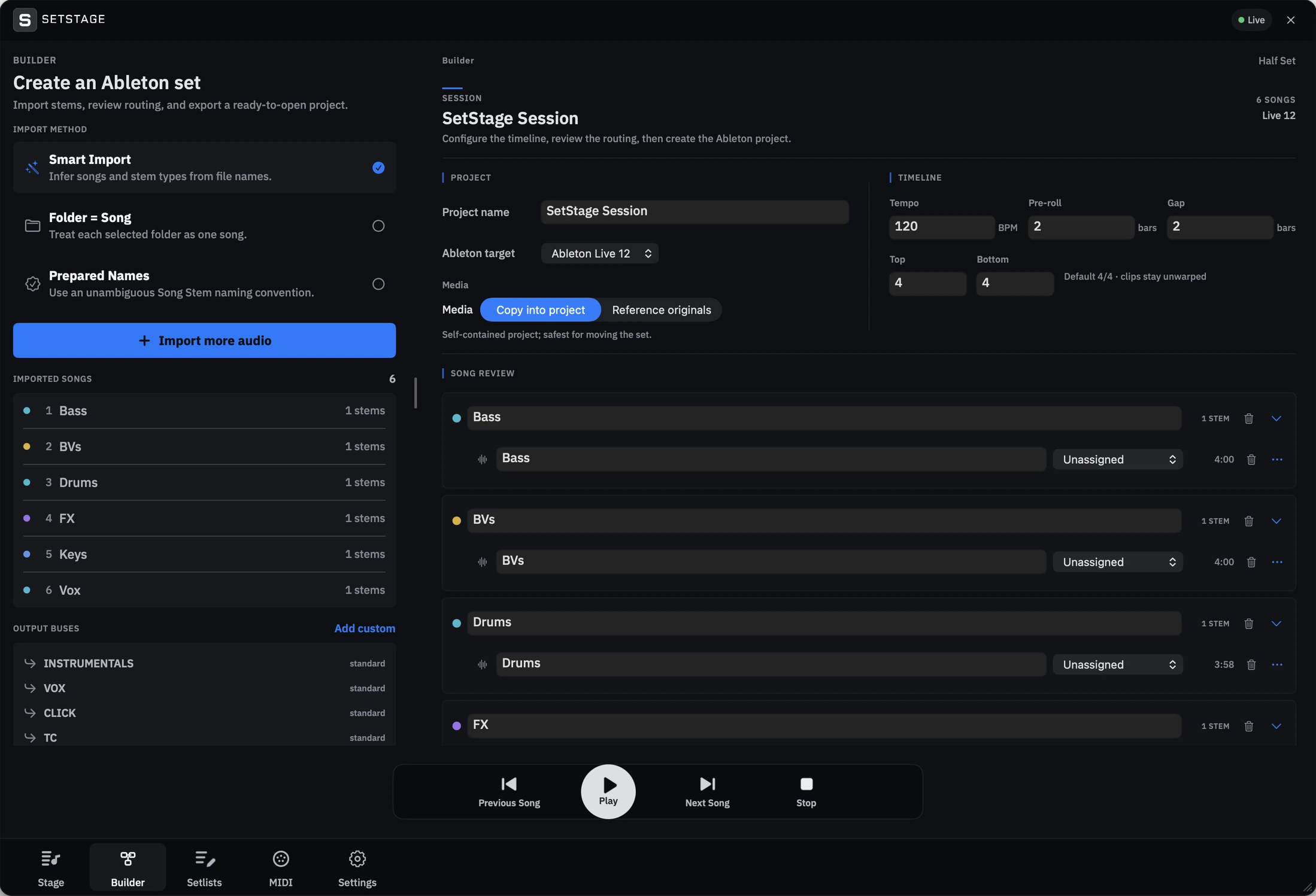
Remote
Scan the QR code in the Remote tab and you are paired. Then run the transport, the setlist and the mixer from your phone or iPad, on the same Wi-Fi network as your Mac. Paired devices reconnect on their own, and you can revoke any of them. Encrypted after pairing, and free to download.
Learn more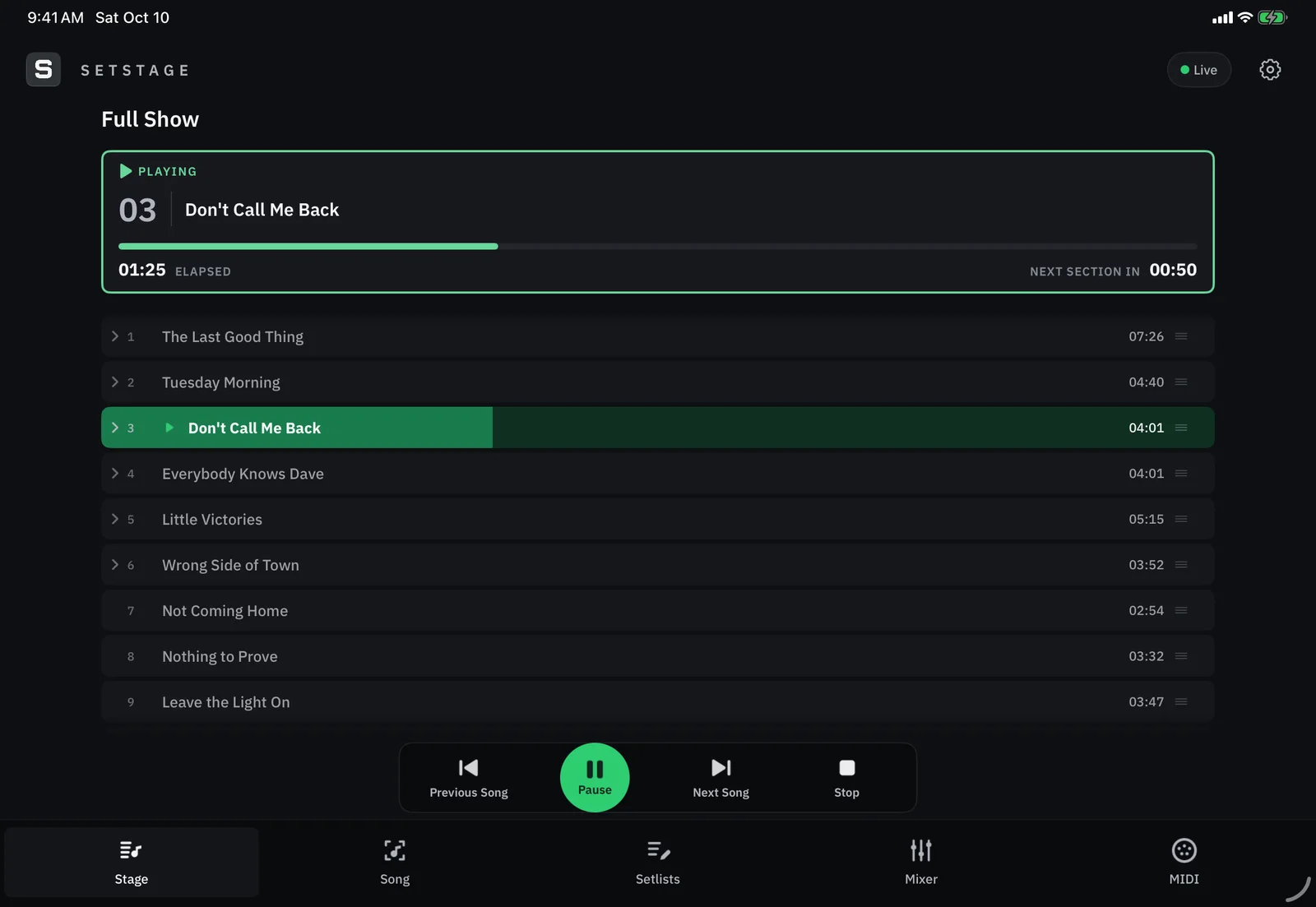
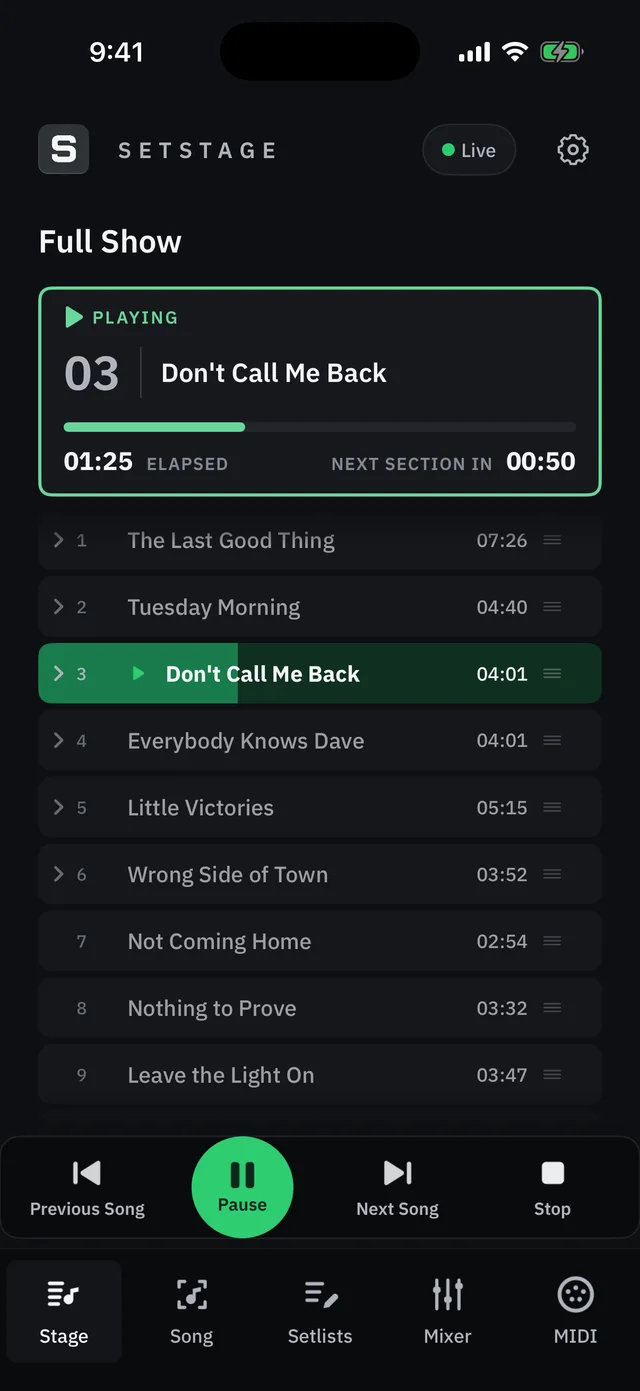
SetStage opens straight onto your show, with nothing to set up first. When you want more, it is all there.
Using a "SONG END" marker lets you decide what happens after each song.
A dark interface, high-contrast playback indicators and a reduce-motion option.
Play, pause and jump between songs and sections. Every shortcut can be changed.
SetStage autosaves and reopens where you left off. Save a project file whenever you want one.
Download the free demo on your Mac, and buy the full version when you are ready. No subscription.

macOS 14 or later
Put it through your own setlist. Download the demo, load your songs and hit play.
Download for MacThe free demo
$79
One-time purchase
iOS 17 or later
Control SetStage from your iPhone or iPad. It needs SetStage running on your Mac.
Live 11 and Live 12.
Yes. SetStage runs natively on Apple Silicon and Intel Macs, on macOS 14 or later.
No. Your licence is verified on your Mac. The Remote only needs your Mac and your iPhone or iPad on the same Wi-Fi network.
Any MIDI controller that sends notes, control changes or program changes. Use learn mode to map it.
The first 3 songs of a setlist. Playback stops at a random point between about 4 and 12 minutes, and a DEMO badge shows in the toolbar.
No. SetStage Remote for iPhone and iPad is a free companion app. It needs SetStage running on your Mac.
No. SetStage works with Ableton Live, on Mac, with the Remote on iPhone and iPad.